Articles
Guides & Tutorials

Install R2Drop and upload your first file to Cloudflare R2 in under 60 seconds.
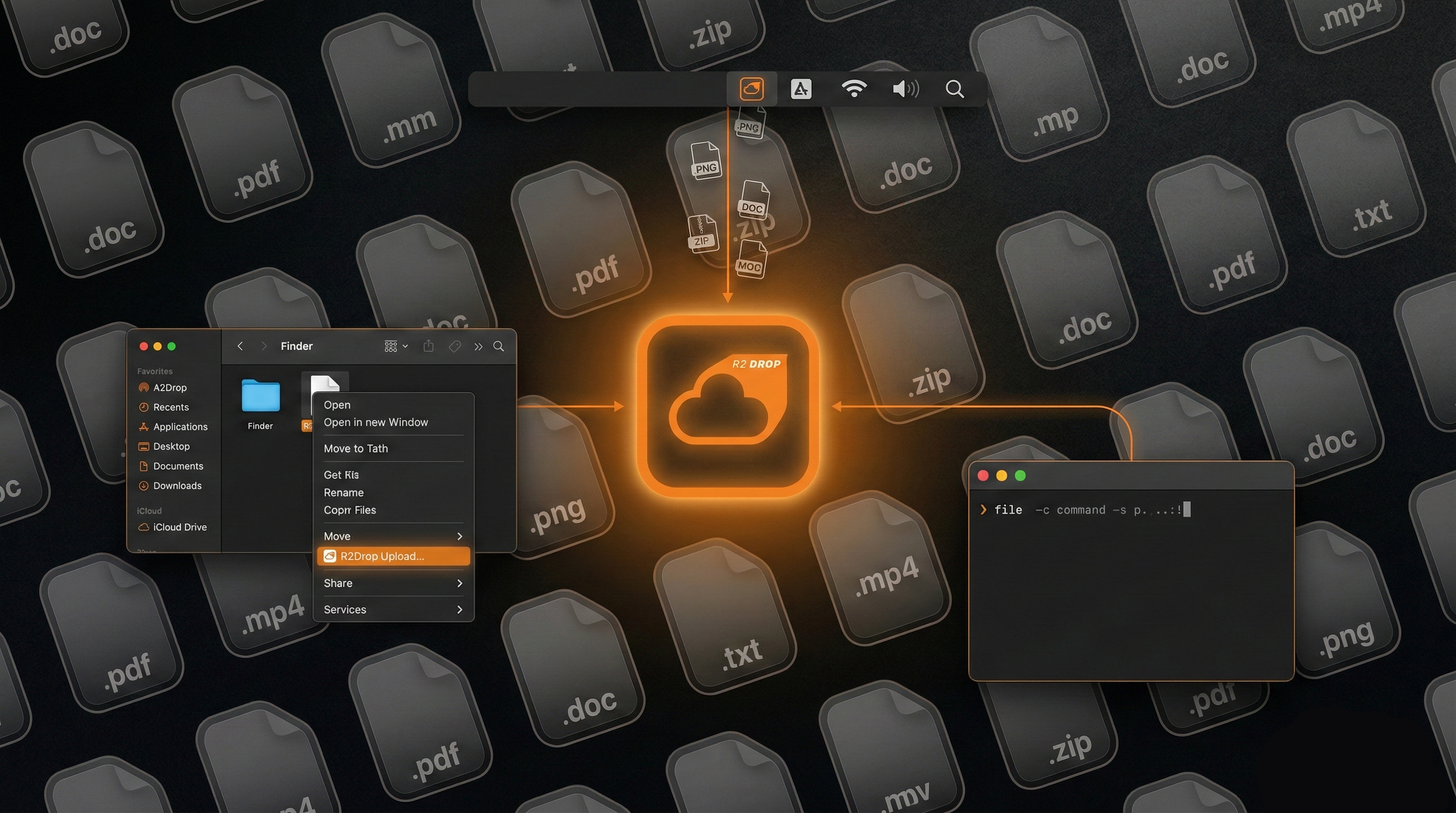
Skip the dashboard. Upload files via Finder right-click, menu bar, or terminal.

R2 charges $0 for egress. See how pricing compares to S3 at every scale.
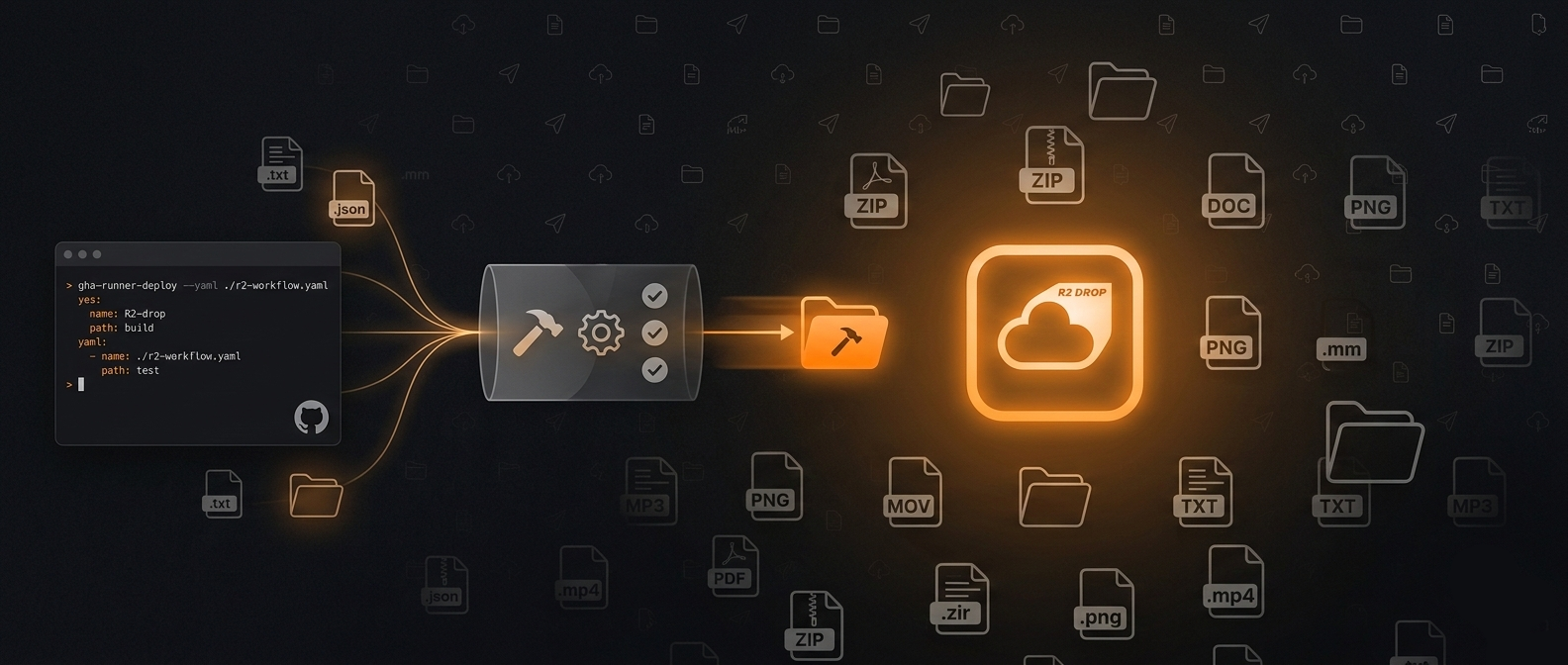
Full workflow YAML for uploading build artifacts to Cloudflare R2 on every push.
Upload files to R2 from the terminal, shell scripts, and CI/CD pipelines.
Configure and switch between multiple Cloudflare R2 accounts in R2Drop.
Zero-egress CDN for images, JS, CSS, and media using R2 + Cloudflare edge.
Comparing R2Drop, R2Client, FlareSync, R2 Explorer, rclone, and Cyberduck for R2 uploads.
10GB storage, zero egress fees, 1M writes/month. Here's what the R2 free tier means in practice.
Zero lines of code written. 3 hours of architecture + Ralph-TUI agentic loop = production macOS app in 2 afternoons.
R2Drop is free and open source. R2Client costs money after a 3-day trial. Here's the full comparison.
R2Drop is free with CLI and Finder integration. FlareSync is $2.99 on the Mac App Store.
Both free and open source for R2 uploads. Native Swift vs Electron — here's what the difference feels like.
The dashboard works. It's also slow for repetitive uploads. 12 steps vs 2 — here's the difference.