I built R2Drop because the Cloudflare dashboard was driving me nuts. Open browser, navigate to R2, find the bucket, click upload, pick files, wait, copy URL. Every single time. For a thing I do maybe 20 times a day.
But there are other tools out there, and some of them are good. So here's an honest comparison of everything I could find for uploading to Cloudflare R2 in 2026.
Quick comparison
| Tool | Price | Platform | GUI | CLI | Finder integration | Open source |
|---|---|---|---|---|---|---|
| R2Drop | Free | macOS | Yes | Yes | Yes | MIT |
| R2Client | Paid (one-time) | macOS, Windows, Linux | Yes | No | No | No |
| FlareSync | $2.99 | macOS | Yes | No | No | No |
| R2 Explorer | Free | Web (Cloudflare Worker) | Yes | No | No | MIT |
| Cloudflare Dashboard | Free | Web | Yes | No | No | N/A |
| rclone | Free | macOS, Windows, Linux | No | Yes | No | MIT |
| Cyberduck | Free / donation | macOS, Windows | Yes | Yes (duck CLI) | No | GPL |
Individual reviews
R2Drop
Free, open source (MIT) · macOS · r2drop.com · GitHub
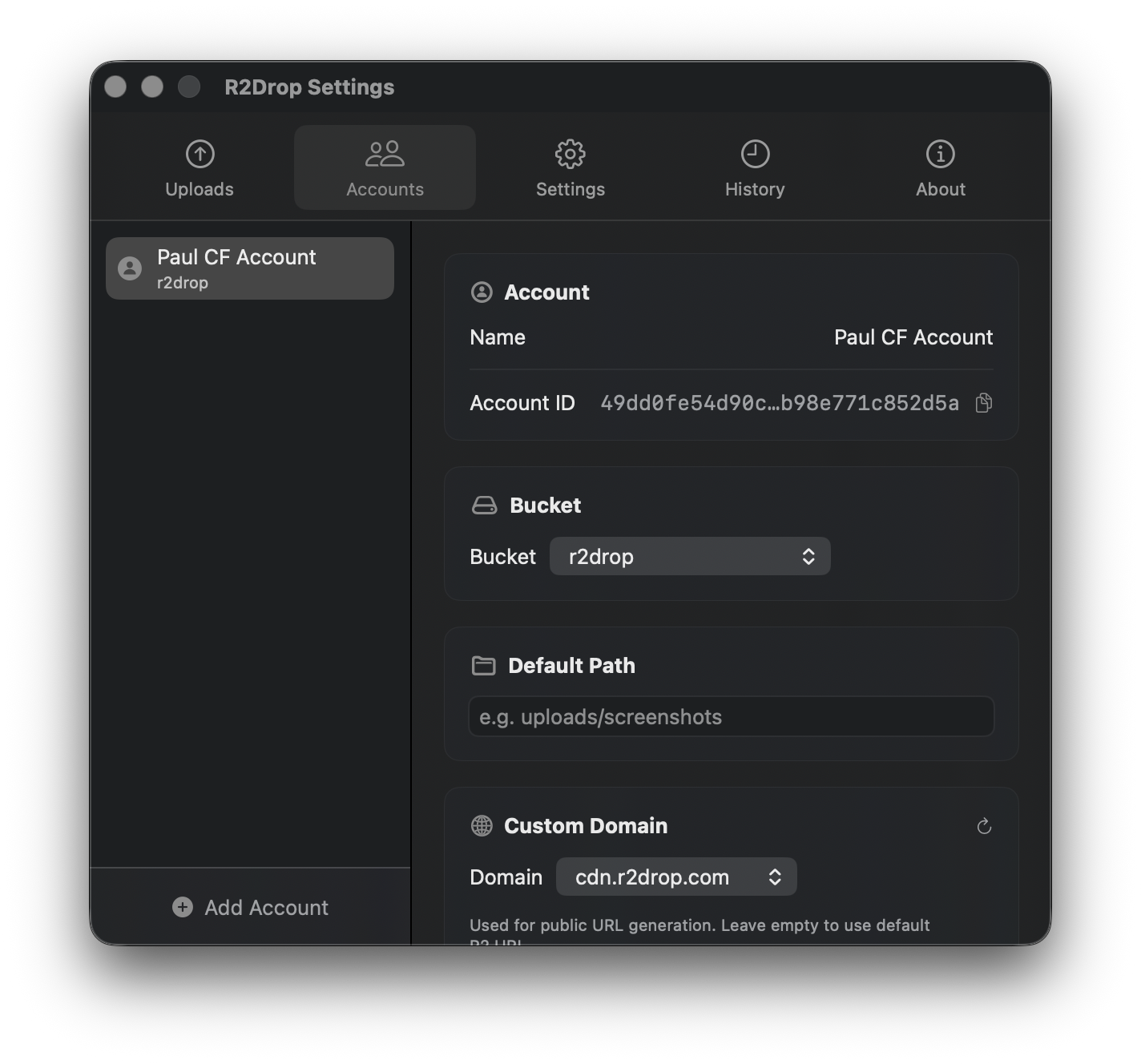
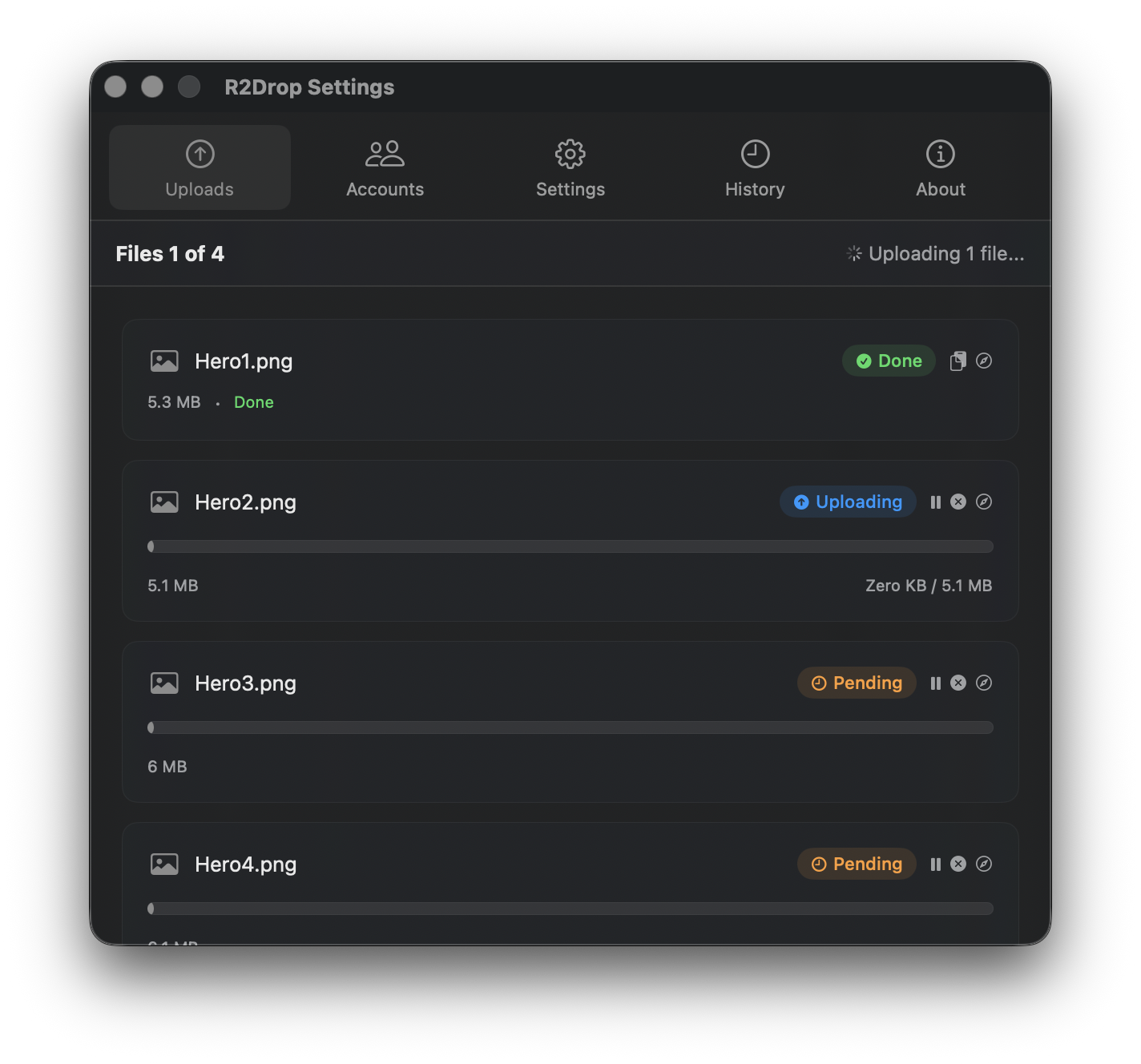
Full disclosure: I built this. R2Drop is a native macOS menu bar app written in Swift with a Rust upload engine. You can drag files to the menu bar icon, right-click in Finder and choose "Send to R2", or use the CLI. The public URL goes to your clipboard when the upload finishes.
The Finder right-click thing is what I use most. Select files, right-click, "Send to R2", done. No app windows, no drag targets, no browser. The CLI companion (r2drop upload file.png --json) shares the same config, so switching between GUI and scripts doesn't require any extra setup.
Credentials stay in the macOS Keychain. The upload engine uses multipart uploads with configurable chunk sizes and up to 16 parallel streams, so large files go fast. It's free, no trial, no paid tier, MIT licensed.
R2Client
Paid (one-time purchase) · macOS, Windows, Linux · r2client.com
R2Client is a desktop GUI for managing R2 buckets. It handles uploads, browsing, and file management. The big selling point is cross-platform support, so if you're on Windows or Linux, this is one of your few GUI options. It advertises support for files up to 50 GB and local encryption.
Two things to know: it's built with Electron (not native), and the macOS build isn't code-signed, so you'll get a Gatekeeper warning on first launch. There's a 3-day free trial. If you need something that works on all three desktop OSes and you don't mind paying, it's worth trying.
FlareSync: R2 Client
$2.99 · macOS · Mac App Store
FlareSync is a native macOS app (Swift) available on the Mac App Store for $2.99. It launched in June 2025 and lets you browse R2 buckets and upload files and folders. It got a warm reception on r/CloudFlare with 44 upvotes when the developer announced it.
It's a clean, simple bucket viewer and uploader. No CLI, no Finder integration, no automation features. If you want a cheap, native Mac app for occasional R2 uploads and bucket browsing, FlareSync does that job. The Mac App Store distribution means it's properly signed and sandboxed.
R2 Explorer
Free, open source (MIT) · Web · r2explorer.dev · GitHub
R2 Explorer gives you a Google Drive-style interface for your R2 buckets, and it runs as a Cloudflare Worker. Built by Gabriel Massadas, it's MIT licensed and open source. You deploy it to your own Cloudflare account and get a web-based file manager.
The nice thing about this approach is that it works everywhere, no desktop app to install. The tricky part is that you need to deploy and maintain a Worker. If you're already comfortable with Cloudflare Workers and want a web file manager that lives in your own infrastructure, R2 Explorer is a good pick.
Cloudflare Dashboard
Free · Web · dash.cloudflare.com
The built-in option. Everyone starts here. You can upload files, browse buckets, manage settings. It works and it's free.
The problem is the workflow. Open browser, go to dashboard, find R2, find bucket, click upload, pick files, wait, copy the URL. If you're uploading 2 files a week, it's fine. If you're uploading 20 files a day, it gets old fast. The 300 MB upload limit through the dashboard is also a pain if you work with larger files.
rclone
Free, open source (MIT) · macOS, Windows, Linux · rclone.org
rclone is the Swiss Army knife of cloud storage CLIs. It supports pretty much every storage provider, including R2 via S3 compatibility. If you need to sync directories, mount remote storage, or run batch transfers across platforms, rclone is probably the right tool.
The downside is complexity. Configuring rclone for R2 takes a few steps (endpoint URL, access keys, provider flags), and there's no GUI. For power users who live in the terminal and manage multiple cloud storage backends, rclone is great. For uploading a screenshot to R2 while working in Finder, it's overkill.
Cyberduck
Free / donation · macOS, Windows · cyberduck.io
Cyberduck is a general-purpose file transfer client that's been around for years. It supports S3, FTP, SFTP, WebDAV, and a bunch of other protocols. R2 works through S3 compatibility. There's also a CLI version called duck.
Cyberduck isn't built for R2 specifically, so you won't get R2-specific features like public URL generation or custom domain support out of the box. But if you already use Cyberduck for other transfers and want to add R2 as another connection, it works fine.
Why R2Drop is free
People ask about this, so I'll explain. R2Drop is free because there's no business model behind it. I built it because the Cloudflare dashboard was annoying me, and I figured other people had the same problem. It's MIT licensed, the code is on GitHub, and there's no paid tier coming.
There's no company behind this trying to get you onto a subscription. No "free for 3 days, then pay us" situation. No "free but we limit uploads" thing. It's a tool I use every day, and releasing it costs me basically nothing.
Getting started with R2Drop
Install via Homebrew (brew install --cask r2drop) or download the .dmg from GitHub Releases. Add your Cloudflare R2 API token, and you're uploading from Finder immediately. For a full walkthrough, see our Getting Started guide.