Accounts
Multi-Account Support
Add multiple Cloudflare accounts with different buckets and path prefixes. Switch the active account from the menu bar in one click.
Every upload method a developer could want — from right-click to CLI. Pick the one that fits your flow.
No extra apps or browser tabs. Uploads happen in the background while you keep working.
Public URL lands in your clipboard the moment the upload finishes — no manual copying.
The CLI shares the same config and queue as the app — switch between GUI and headless without reconfiguring anything.
Credentials live only in macOS Keychain — never in config files, env vars, or shell history.
R2Drop handles the hard parts — multi-account switching, custom domains, path prefixes, and public URL generation — so you can focus on building.
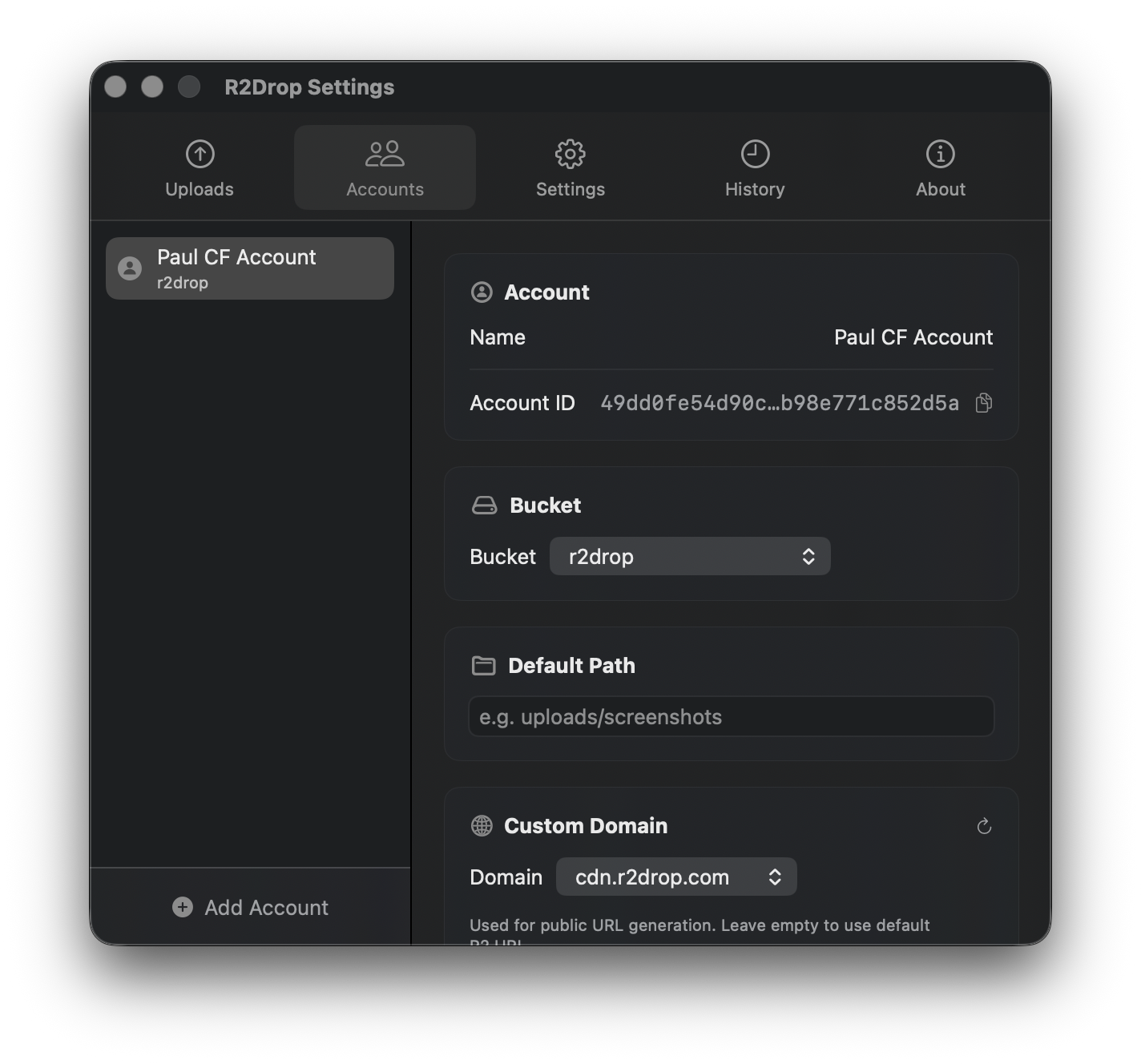
Add multiple Cloudflare accounts with different buckets and path prefixes. Switch the active account from the menu bar in one click.
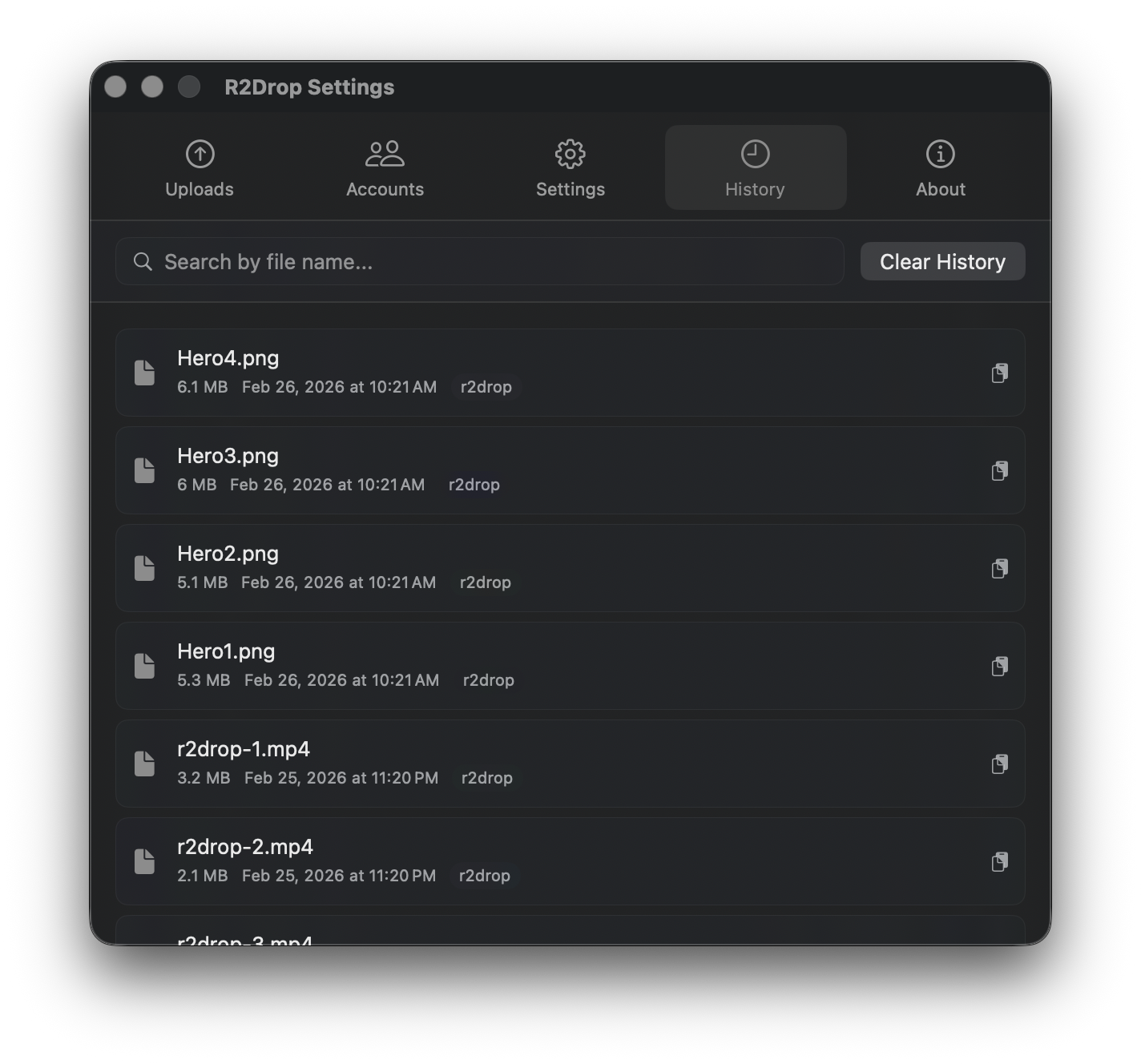
After every upload, R2Drop auto-copies the public URL to your clipboard — custom domain support included.
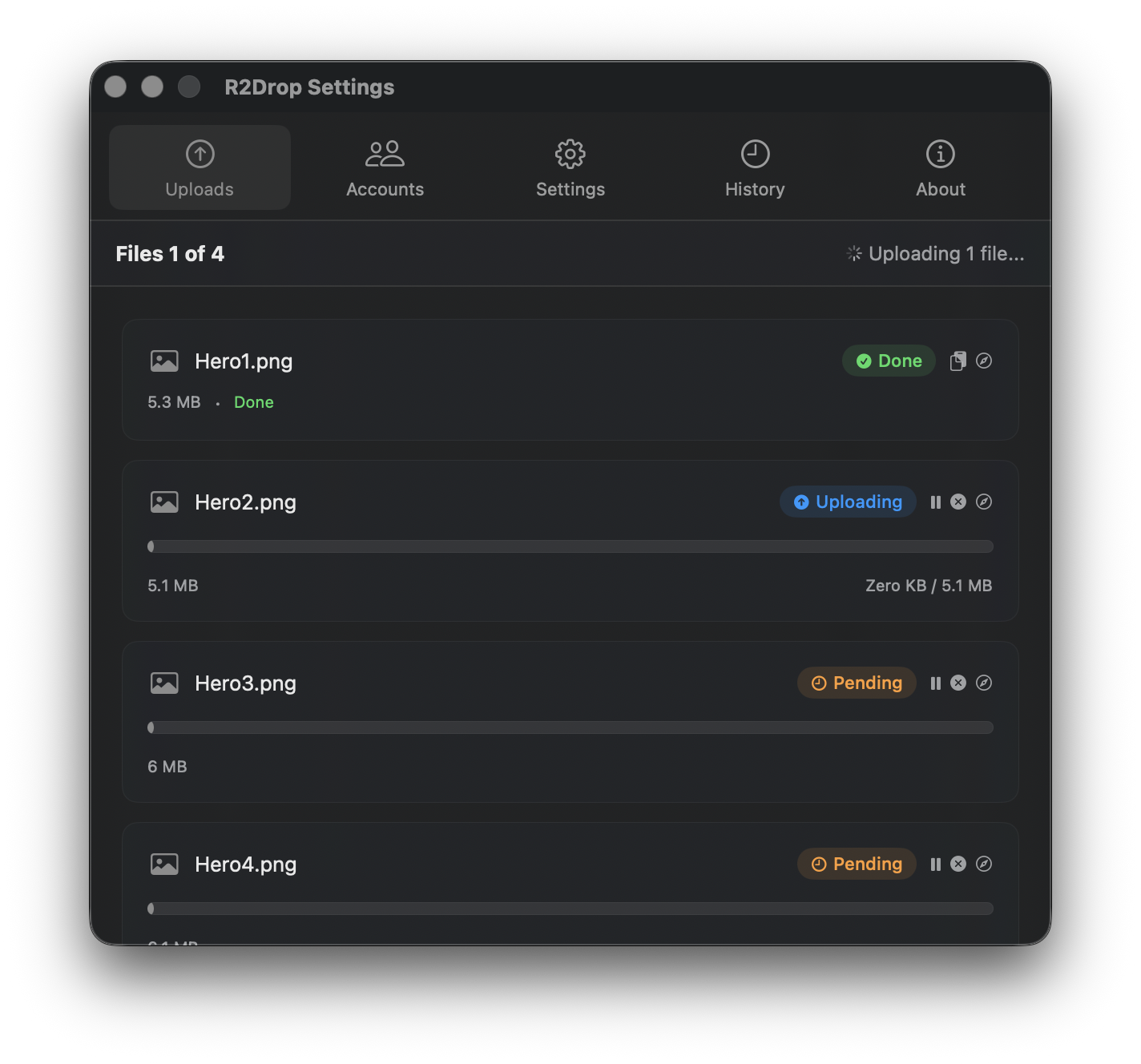
Upload single files, multiple files, or entire folders at once. R2Drop runs transfers in parallel so large batches finish fast — nothing waits in line.

Install R2Drop and upload your first file to Cloudflare R2 in under 60 seconds.
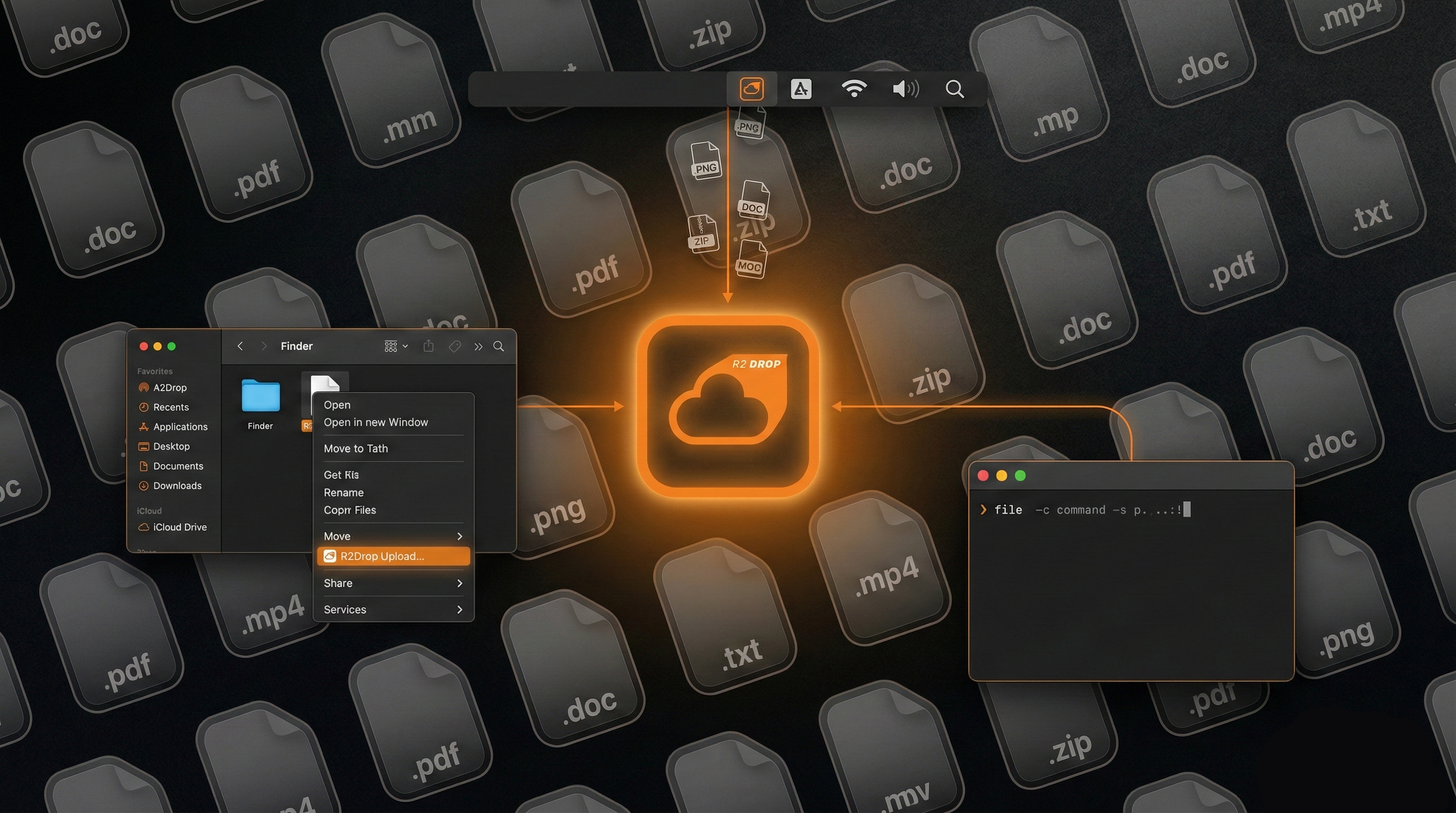
Skip the dashboard. Upload files via Finder right-click, menu bar, or terminal.

R2 charges $0 for egress. See how pricing compares to S3 at every scale.
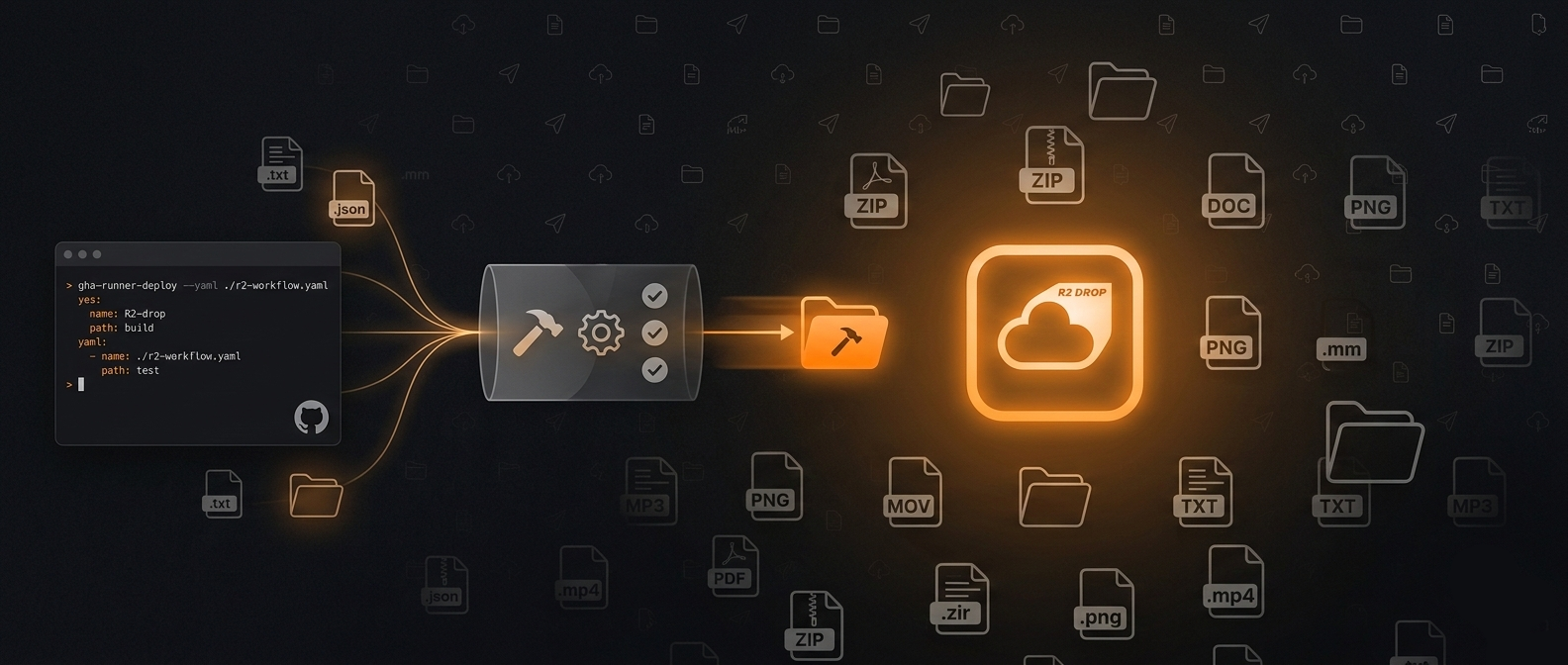
Full workflow YAML for uploading build artifacts to Cloudflare R2 on every push.
Comparing R2Drop, R2Client, FlareSync, R2 Explorer, rclone, and Cyberduck for R2 uploads.
R2Drop is free and open source. R2Client costs money after a 3-day trial. Here's the full comparison.
Zero lines of code written. 3 hours of architecture + Ralph-TUI agentic loop = production macOS app in 2 afternoons.
Yes — R2Drop is free and open source under the MIT license. No subscriptions, no per-upload fees, no account with us required. The only cost is your Cloudflare R2 storage, which starts at $0.015/GB/month with a free tier of 10 GB — and R2 charges zero egress fees, ever.
Yes. You need a Cloudflare account with R2 enabled and at least one bucket. Creating an account is free, and R2's free tier (10 GB storage, 1 million write operations, 10 million read operations per month) is enough to get started without a credit card. You'll also need an API token scoped to R2 — R2Drop walks you through creating one during setup.
No. Files travel directly from your Mac to your Cloudflare R2 bucket over HTTPS. There is no R2Drop server in the data path — we never see, proxy, or store your files. Your Cloudflare API credentials are stored exclusively in macOS Keychain and are never written to disk or transmitted to us. The app is fully open source so you can audit every network call on GitHub.
R2Drop requires macOS 13 Ventura or later. The companion CLI shares the same config and upload engine. Install it from Settings or with: curl -sf https://r2drop.com/install.sh | sh. Use the --json flag for scriptable output in automation workflows.
No practical limit. R2Drop automatically switches to multipart uploads for large files, splitting them into parallel chunks (configurable from 5 to 100 MB) across up to 16 concurrent streams. Uploads are resumable — if your connection drops, R2Drop picks up where it left off. Cloudflare R2 itself supports objects up to 5 TB.
R2Drop sends anonymous usage telemetry (feature usage, error types, app version) to help improve the app. This is on by default and can be turned off anytime in Settings. No file names, file contents, credentials, bucket names, or personal information is ever sent. Full details in our Privacy Policy.