This is the comparison everyone can relate to, because everyone starts with the dashboard. You sign up for Cloudflare, create an R2 bucket, and the first time you upload something, you use the web UI. It works.
The tenth time you upload something, you start to feel the friction. By the fiftieth time, you're looking for alternatives. That's roughly how I ended up building R2Drop.
The workflow problem
Let me walk through what "upload a file to R2 via the dashboard" actually looks like:
Cloudflare Dashboard
- Open browser
- Go to dash.cloudflare.com
- Log in (or wait for session check)
- Click R2 in the sidebar
- Click your bucket
- Navigate to the right folder
- Click "Upload"
- Pick the file from the system dialog
- Wait for upload
- Click the uploaded file
- Copy the URL manually
- Paste it where you need it
~45-90 seconds per file
R2Drop
- Right-click file in Finder
- "Send to R2"
- URL is in your clipboard
~3-5 seconds per file
That's not a typo. Twelve steps versus two. And the time difference compounds. Upload ten files a day through the dashboard and you're burning 10-15 minutes on pure navigation overhead. With R2Drop, same ten files take under a minute.
What the dashboard does well
I want to be fair. The Cloudflare dashboard does things R2Drop doesn't:
- Browse and search your bucket contents
- Delete objects
- View storage usage and billing
- Manage bucket settings (CORS, lifecycle rules, etc.)
- Create and manage API tokens
- Works on any device with a browser
The dashboard is the control panel for your R2 account. R2Drop isn't trying to replace that. You still need the dashboard for account management. R2Drop just takes over the upload part.
What R2Drop does that the dashboard can't
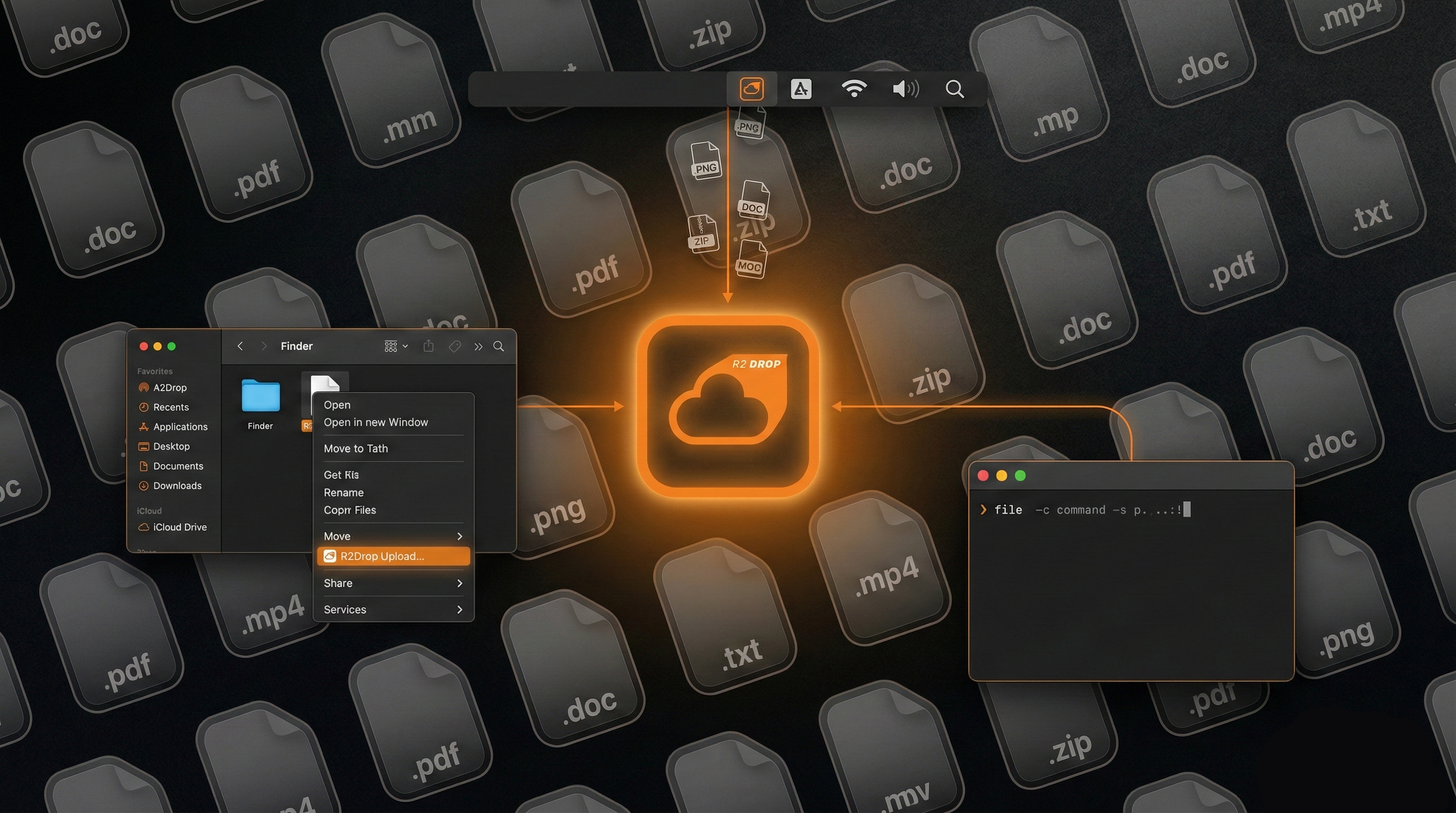
Finder integration. Right-click any file or folder in Finder, "Send to R2." The upload happens in the background. You don't switch windows, you don't leave what you're doing.
Auto-copy URLs. When the upload finishes, the public URL is in your clipboard. With custom domain support. No clicking around to find the URL.
Batch uploads. Select twenty files in Finder, right-click, send. They upload in parallel. The dashboard makes you upload one at a time (or select multiple through a single file picker dialog, which isn't great for files scattered across different folders).
CLI for automation. r2drop upload ./dist/ --json in a deploy script. The dashboard has no scripting equivalent (you'd need the Cloudflare API or wrangler for that).
Offline queue. If you're on spotty wifi, R2Drop queues uploads and retries automatically. The dashboard just fails.
Side-by-side
| Feature | R2Drop | Cloudflare Dashboard |
|---|---|---|
| Price | Free | Free |
| Platform | macOS | Any browser |
| Setup | ~2 min (one-time) | Already have it |
| Upload speed (workflow) | ~3-5 sec per file | ~45-90 sec per file |
| Finder integration | Yes | No |
| Auto URL copy | Yes | No |
| Batch upload | Parallel, any source | Single file picker |
| Resumable uploads | Yes | No |
| CLI / scripting | Yes | No (use wrangler/API) |
| Bucket browsing | No | Yes |
| Account management | No | Yes |
| Credential storage | macOS Keychain | Browser session |
When to use the dashboard
Managing buckets, checking billing, setting CORS rules, creating API tokens, deleting objects you no longer need. All dashboard territory.
Also if you're on a borrowed computer, a Windows machine, or anywhere you can't install R2Drop. The dashboard is always there.
When to use R2Drop
Every time you upload a file. Seriously. Once you've set up R2Drop (takes two minutes), there's no reason to go back to the dashboard for uploads. Right-click, send, done.
I still use the dashboard for account management. I haven't used it for uploading in months.
Stop navigating the dashboard every time you need to upload a file.
Download R2DropFree, open source, MIT license. Source on GitHub.
Have a great day. Carry on.