There are exactly two free, open-source desktop apps built specifically for uploading to Cloudflare R2: R2Drop and R2Uploader. I built R2Drop, so take my bias into account. But I'll try to be fair here because I respect what the R2Uploader dev built.
The fundamental difference
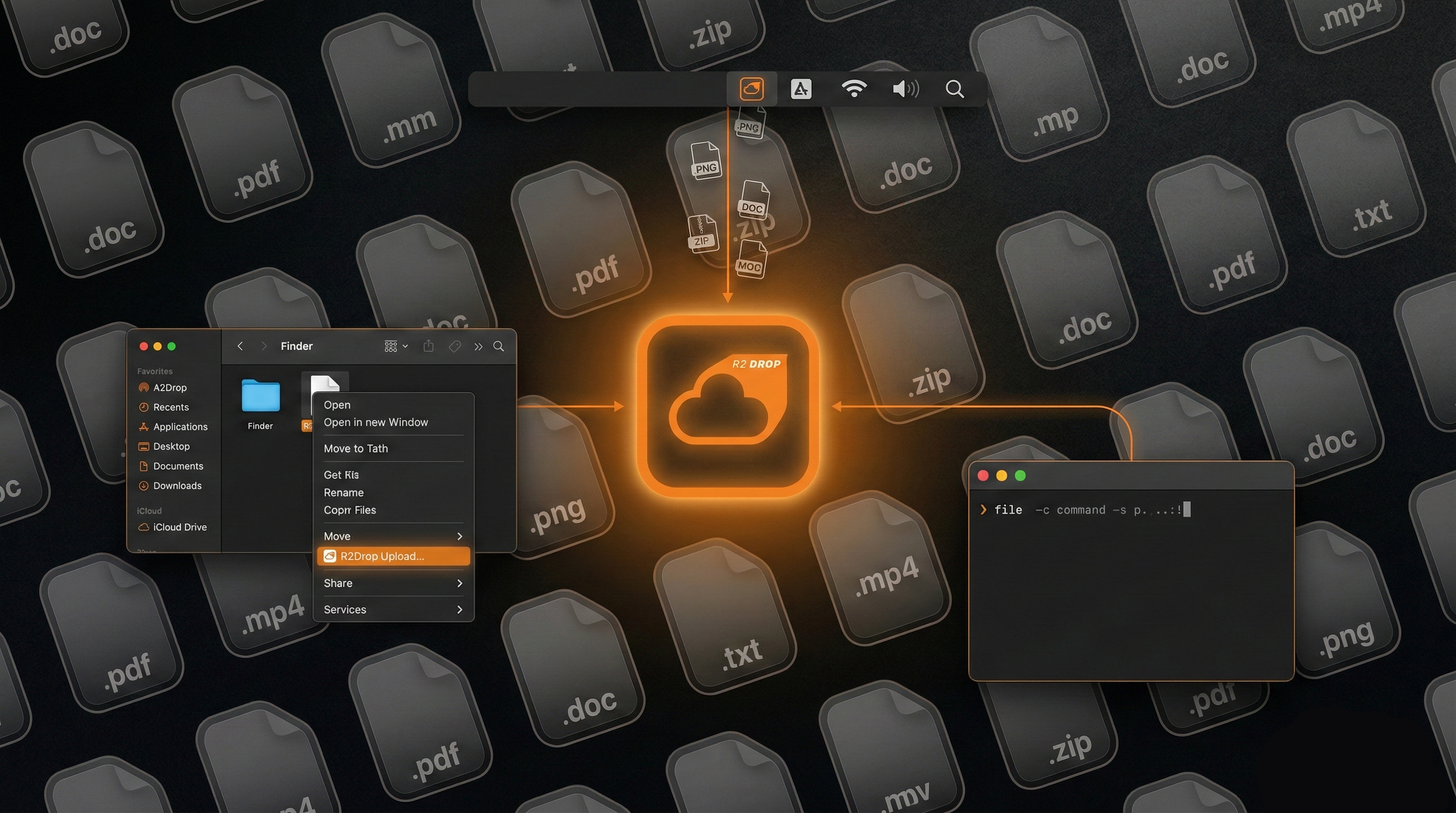
R2Drop is a native macOS app written in Swift and SwiftUI. The upload engine is Rust. It runs as a menu bar app and integrates with Finder.
R2Uploader is an Electron app. It runs on macOS, Windows, and Linux. The tradeoff is that it ships a bundled Chromium runtime, which means more RAM usage and a larger install size.
If you're on Windows or Linux, this comparison is simple: use R2Uploader, because R2Drop doesn't run on your OS. If you're on macOS, keep reading.
Comparison
| Feature | R2Drop | R2Uploader |
|---|---|---|
| Price | Free (MIT) | Free (MIT) |
| Platform | macOS only | macOS, Windows, Linux |
| Framework | Native Swift/SwiftUI | Electron |
| Upload engine | Rust (multipart, parallel) | Node.js (multipart) |
| Memory usage | ~30-50 MB | ~200-400 MB (Chromium overhead) |
| Finder right-click | Yes ("Send to R2") | No |
| Menu bar app | Yes | No (standard window) |
| CLI companion | Yes, with --json | No |
| Credential storage | macOS Keychain | Electron store (encrypted file) |
| Auto-copy URL | Yes | Yes |
| Custom domains | Yes | Yes |
| Multi-account | Yes, one-click switching | Yes |
| Resumable uploads | Yes | No |
| Bucket browsing | No | Yes |
Where R2Uploader wins
Cross-platform. If your team has Mac and Windows machines, R2Uploader gives everyone the same tool. R2Drop is mac-only, full stop.
Bucket browsing. R2Uploader lets you see what's in your bucket, rename objects, and delete them. R2Drop is an uploader. It goes in one direction.
If those two things matter to you, R2Uploader is the better pick.
Where R2Drop wins
Resource usage is the obvious one. A native Swift app using 30-50 MB of RAM versus an Electron app using 200-400 MB. If you leave your upload tool running in the background (which I do), that difference matters over a full workday.
The Finder integration is something I built specifically because I was tired of the drag-file-to-app-window dance. Right-click any file in Finder, "Send to R2," done. No windows to manage, no app to bring to the foreground.
The CLI. R2Drop has a companion CLI (r2drop upload) that shares config with the GUI. You can upload from a shell script, a CI pipeline, or a Makefile using the same credentials you set up in the app. R2Uploader doesn't have a CLI.
Resumable uploads. If your connection drops mid-transfer, R2Drop picks up where it left off. R2Uploader starts over.
Keychain storage. Your R2 credentials live in macOS Keychain, the same place your SSH keys and Wi-Fi passwords go. Not in an app-specific encrypted file on disk.
The Electron question
I'm not going to be one of those people who says Electron is bad. It's a reasonable choice when you need to ship on three platforms with one codebase. Slack, VS Code, Discord, Figma (well, Figma moved away), they all used or use Electron. It works.
But for a tool that does one specific thing on one specific platform, native feels right to me. The app launches instantly, uses minimal resources, and integrates with OS features (Keychain, Finder extensions, notifications) in ways that Electron can't easily replicate.
That's a philosophical preference as much as a technical one. Your mileage may vary.
Bottom line
On Windows or Linux? R2Uploader is your option (or rclone if you prefer CLI).
On macOS and want the lightest, fastest, most integrated R2 upload experience? That's R2Drop.
Both tools are free and open source. Try them both if you want.
R2Drop is free, open source, and built natively for macOS.
Download R2DropHave a great day. Carry on.