
FlareSync showed up on r/CloudFlare in June 2025. Someone posted "macOS app for R2 uploads," it got 44 upvotes, and I thought: nice, someone else is building R2 tools for Mac. The more the better.
I'd already been working on R2Drop at that point, so I was curious how the two compare. They're both native macOS apps for Cloudflare R2, but they take different approaches.
The basics
FlareSync is $2.99 on the Mac App Store. It's built with Swift, and it gives you a window where you can view your R2 buckets and upload files and folders. That's the core of it.
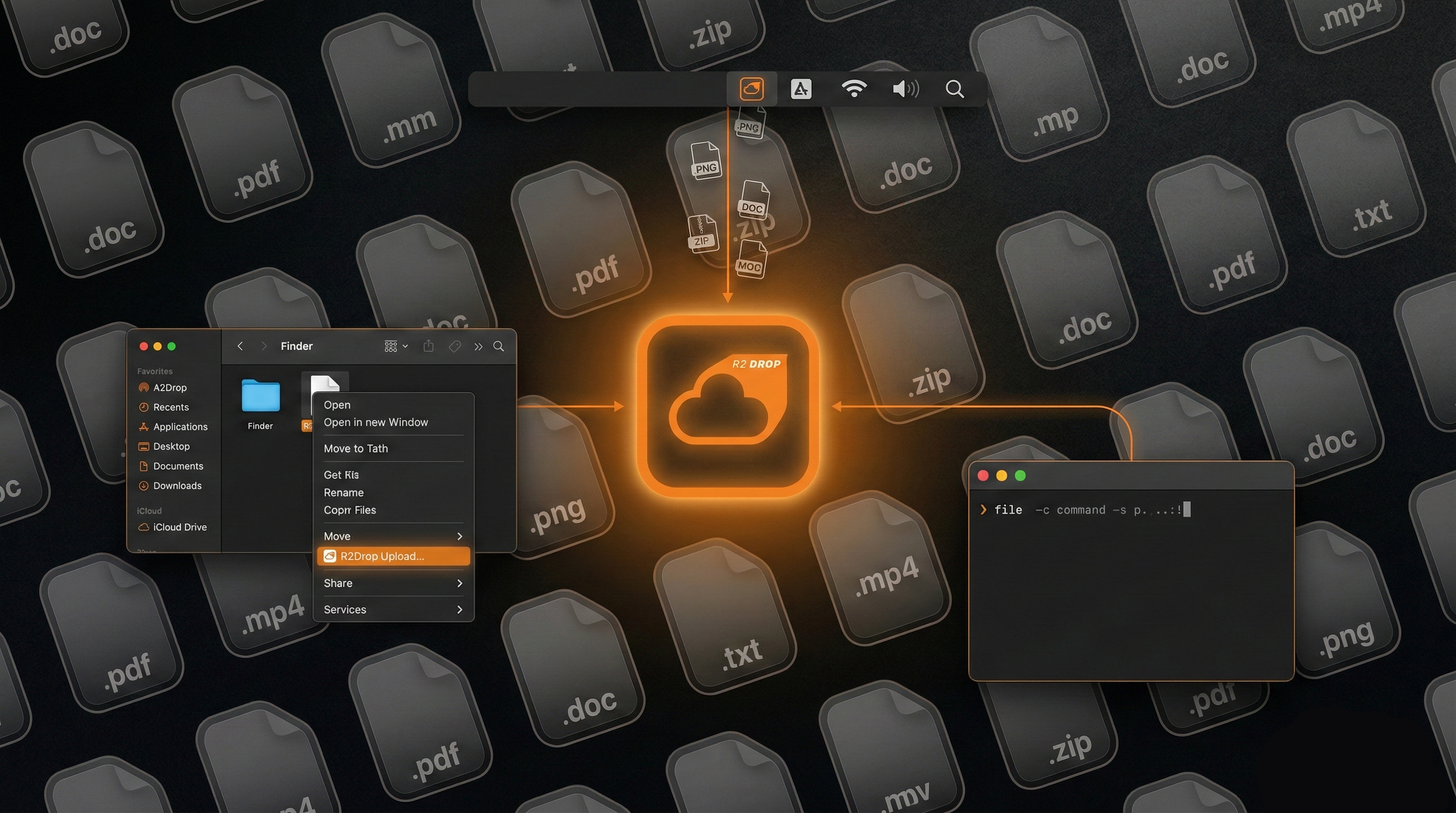
R2Drop is free and open source (MIT). It's also Swift, but the upload engine is Rust. It runs as a menu bar app with Finder integration and a CLI. No bucket browsing, just uploads.
Two different philosophies. FlareSync is a bucket viewer that also uploads. R2Drop is an uploader that integrates with your existing workflow.
Side-by-side
| Feature | R2Drop | FlareSync |
|---|---|---|
| Price | Free (MIT) | $2.99 |
| Distribution | GitHub / Homebrew | Mac App Store |
| Framework | Swift/SwiftUI + Rust | Swift |
| Finder right-click | Yes ("Send to R2") | No |
| Menu bar app | Yes | No (standard window) |
| CLI companion | Yes | No |
| Auto-copy URL | Yes | No |
| Bucket browsing | No | Yes |
| Folder upload | Yes | Yes |
| Resumable uploads | Yes | No |
| Custom domains | Yes | No |
| Multi-account | Yes | Unknown |
| Credential storage | macOS Keychain | App Sandbox (MAS) |
| Open source | Yes (MIT) | No |
| App sandboxing | No (direct Keychain) | Yes (Mac App Store) |
Where FlareSync wins
Mac App Store distribution. You find it in the store, click install, done. Updates come through the store. Apple handles code signing and sandboxing. If you prefer getting your apps that way, FlareSync has that going for it.
Bucket browsing. FlareSync lets you see what's in your R2 buckets. R2Drop doesn't. If you need to look at your files and occasionally upload new ones, FlareSync covers both.
Where R2Drop wins
It's free. $2.99 isn't a lot of money, but R2Drop costs nothing. No purchase, no "restore purchase" dance on a new machine. Just download and go.
Finder integration. This is the big workflow difference. Right-click any file in Finder, "Send to R2," the URL is in your clipboard. You don't switch to another app, you don't open a window, you don't navigate to a bucket. FlareSync requires you to open the app and use its upload interface.
The CLI. r2drop upload screenshot.png from the terminal, or r2drop upload ./dist/ --json in a deploy script. Same credentials as the GUI, no separate config. FlareSync is GUI-only.
If you do any kind of scripting or automation with R2, the CLI is what you want. Cron jobs, Makefiles, CI pipelines, shell aliases. None of that works with a GUI-only app.
Custom domains. R2Drop lets you set a custom domain so copied URLs use your domain instead of the R2 public URL. FlareSync doesn't have this.
Open source. You can read R2Drop's code, fork it, contribute to it. If I get hit by a bus, the project continues. FlareSync is closed-source; if the developer stops updating it, that's that.
The $2.99 question
I have nothing against charging for software. The FlareSync developer built a native app and listed it on the store. That's legitimate work.
But R2Drop does more (Finder integration, CLI, custom domains, resumable uploads) and costs less (free). The storage itself already costs money through Cloudflare. Adding another $2.99 on top for the upload tool when a free alternative exists with more features doesn't make much sense to me.
Bottom line
If you want a Mac App Store app that lets you browse R2 buckets and upload files through a window, FlareSync does that for $2.99.
If you want Finder integration, a CLI, custom domains, and you'd rather not pay for an upload tool, R2Drop is the better pick. It's also open source, so you know exactly what it's doing with your credentials.