AWS S3 is the default choice for object storage. It's mature, well-documented, and deeply integrated with the rest of AWS. But it has one major cost that catches many developers off guard: egress fees. Every gigabyte you read out of S3 to the public internet costs money. Cloudflare R2 was built specifically to eliminate that line item. Understanding the difference — and when it matters — can save you hundreds or thousands of dollars per month depending on your workload.
This guide breaks down the real pricing numbers for both services in 2026, shows you where each one wins, and helps you decide which is the right choice for your specific use case.
The Core Difference: Egress Fees
Before getting into the full pricing table, it's worth understanding the single biggest structural difference between R2 and S3.
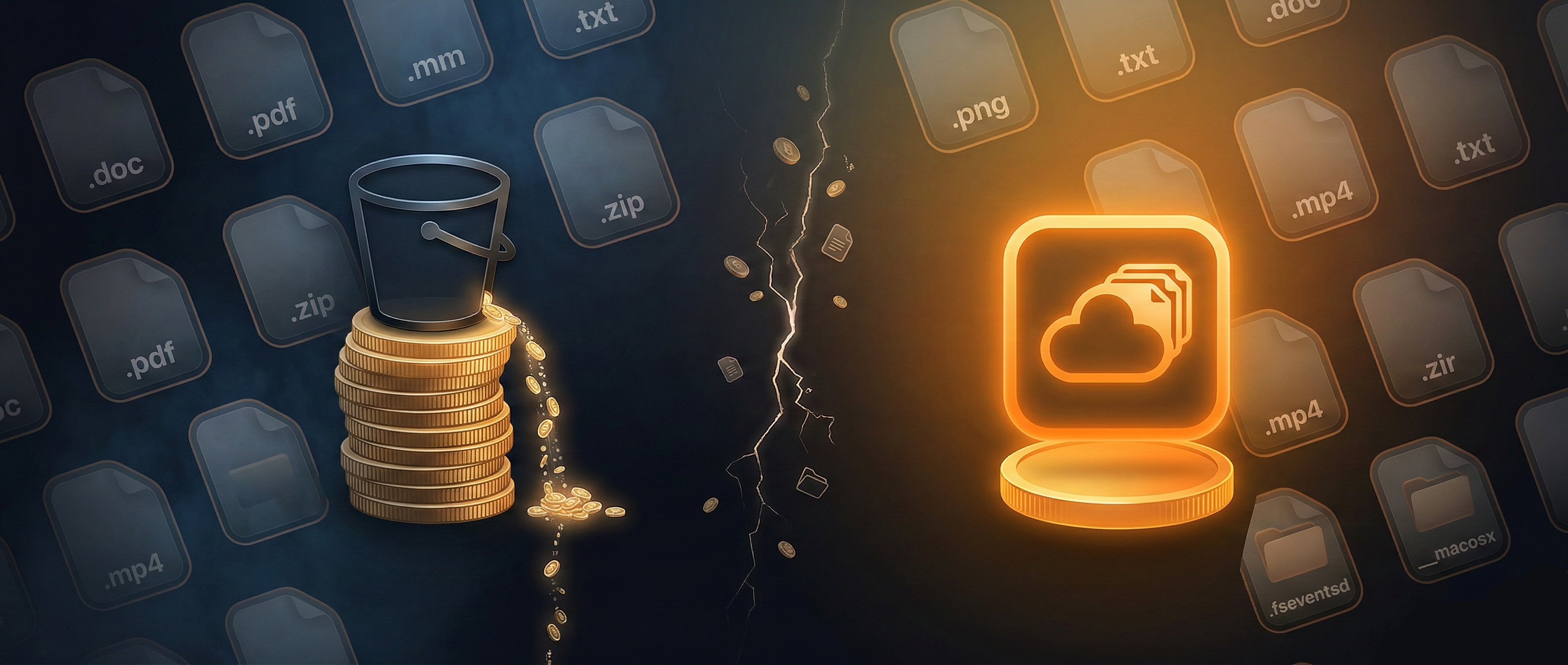
AWS charges $0.09 per GB for data transferred out of S3 to the internet (after the first 100 GB free per month). This is called an egress fee, or data transfer fee. If you store a 1 GB video and 10,000 people stream it in a month, you've transferred roughly 10 TB — and AWS charges you approximately $921 just for that traffic, before any storage or API costs.
Cloudflare R2 charges $0.00 for egress. Always. There is no egress fee, no threshold, no fine print. Data flowing out of R2 to the internet is free by design. This is Cloudflare's deliberate challenge to what they call "egress lock-in" — the practice of making it expensive to move data out of a cloud provider.
"If your files are read frequently by users or downstream services, R2 is almost always cheaper than S3. If your data rarely leaves AWS's internal network, the gap narrows significantly."
Full Pricing Breakdown: R2 vs S3 in 2026
Here is a side-by-side comparison of the current published pricing for both services. All S3 prices are for the us-east-1 region, which is the cheapest AWS region. Other regions are more expensive.
| Cost Category | Cloudflare R2 | AWS S3 (us-east-1) |
|---|---|---|
| Storage (first 50 TB/mo) | $0.015 / GB | $0.023 / GB |
| Storage (next 450 TB/mo) | $0.015 / GB | $0.022 / GB |
| Egress to internet | $0.00 / GB | $0.09 / GB (after 100 GB free) |
| Class A ops (PUT, POST, COPY, LIST) | $4.50 / million | $5.00 / million |
| Class B ops (GET, HEAD) | $0.36 / million | $0.40 / million |
| Data transfer in (ingress) | Free | Free |
| Minimum storage duration | None | None (Standard tier) |
A few things stand out here. R2 is cheaper on storage, cheaper on reads, and dramatically cheaper on egress. S3's write operations are marginally more expensive than R2's, but the gap is small enough that it rarely matters in practice.
The egress column is where the real story lives. For any workload where data is served to end users — images, videos, software downloads, documentation assets, build artifacts — the difference is not marginal. It is categorical.
R2 Free Tier
Cloudflare R2 includes a permanent free tier that resets each calendar month. It does not expire and does not require a credit card to use. The limits are:
- 10 GB storage — enough for a small media library, a static site's assets, or a set of build artifacts
- 1 million Class A operations per month — write and list operations (PUT, POST, COPY, LIST)
- 10 million Class B operations per month — read operations (GET, HEAD)
- Egress: always free — even within the free tier, you are never charged for data transferred out
AWS S3 also has a free tier, but it is time-limited: 5 GB storage, 20,000 GET requests, and 2,000 PUT requests — free only for the first 12 months of a new AWS account. After that, every request and every gigabyte costs money. R2's free tier has no expiration date.
For side projects, small tools, and personal media backups, R2's free tier is genuinely useful for the long term in a way that S3's is not.
Real-World Cost Example
Let's make this concrete. Suppose you run a developer tool that stores 100 GB of user-uploaded files and serves them publicly. In a typical month, users download 500 GB total.
| Cost Item | Cloudflare R2 | AWS S3 (us-east-1) |
|---|---|---|
| Storage (100 GB) | $1.50 | $2.30 |
| Egress (500 GB out) | $0.00 | $36.00 |
| API operations (est.) | ~$0.50 | ~$0.60 |
| Monthly total | ~$2.00 | ~$38.90 |
That is a roughly 95% cost reduction for this specific workload. The exact numbers shift depending on your egress-to-storage ratio, but the pattern holds: the more you serve data to end users, the more R2 saves compared to S3.
When R2 Wins
R2 is the stronger choice in these situations:
- Public-facing media assets — images, videos, audio files, or any content served directly to users via a CDN or custom domain. Zero egress means zero surprise bills as traffic grows.
- Software distribution — hosting release binaries, installer packages, or CLI downloads. A popular open-source project can generate terabytes of download traffic. With R2, that traffic is free.
- Build artifact caching — CI/CD pipelines that cache dependencies or artifacts and restore them on every build. These workloads read heavily from storage, making egress costs significant at scale.
- Static site assets — fonts, JavaScript bundles, stylesheets, and images for a website with moderate to high traffic.
- High-egress data pipelines — any pipeline where data is read out of storage by external services or users. This includes log archives, analytics exports, and dataset downloads.
- Greenfield projects with no AWS dependency — if you are starting fresh and don't have an existing reason to stay on AWS, R2 is simpler to reason about from a cost perspective.
When S3 Wins
S3 remains the better choice in these specific situations:
- Deep AWS ecosystem integration — if your workload depends on services like Amazon Athena, AWS Glue, AWS Lake Formation, or S3 Select, these are tightly coupled to S3 and don't work with R2. There is no R2-native equivalent.
- AWS Lambda event triggers — S3 can trigger Lambda functions automatically when objects are created or deleted. R2 does not currently support this kind of native serverless trigger pattern.
- Glacier and long-term archival — AWS offers deeply discounted storage tiers (S3 Glacier, S3 Glacier Deep Archive) for rarely-accessed cold data, with per-retrieval fees in exchange for very low storage costs. R2 has no equivalent archival tier.
- Compliance and regional data residency requirements — if your data must reside in a specific AWS region for regulatory reasons, S3 with explicit region controls is a more mature solution. R2 is available in multiple regions but the compliance tooling is less developed.
- Large existing AWS infrastructure — if you are running large compute workloads on EC2 or EKS, data transferred between S3 and those services in the same region is free. S3 egress fees only apply to transfers to the public internet, not to internal AWS traffic.
R2 Is S3 API Compatible
One reason many developers hesitate to switch from S3 to R2 is the assumption that migration requires a full rewrite. In practice, R2 is compatible with the S3 API. It supports the same HTTP request format, the same authentication method (AWS Signature Version 4), and the same core operations: PutObject, GetObject, DeleteObject, ListObjectsV2, CreateMultipartUpload, and others.
This means you can point most existing S3 client libraries directly at your R2 endpoint with only two changes:
- Set the endpoint URL to your R2 bucket URL:
https://<account-id>.r2.cloudflarestorage.com - Swap your AWS credentials for your R2 API token key and secret
For example, if you're using the AWS SDK for Python (boto3), switching to R2 looks like this:
import boto3

# Original S3 client
s3 = boto3.client("s3", region_name="us-east-1")

# R2 client — same SDK, different endpoint and credentials
r2 = boto3.client(
    "s3",
    endpoint_url="https://<account-id>.r2.cloudflarestorage.com",
    aws_access_key_id="<r2-access-key-id>",
    aws_secret_access_key="<r2-secret-access-key>",
    region_name="auto",
)
The same pattern works with the AWS CLI, the JavaScript/TypeScript SDK, the Go SDK, and virtually any S3-compatible tool. Tools like rclone, s3cmd, and mc (MinIO client) all work with R2 out of the box.
The main S3 features that R2 does not support are the AWS-specific analytics and compute integrations mentioned above (Athena, Glue, Lambda triggers). Core storage operations are fully compatible.
How to Think About the Decision
The simplest mental model: ask yourself how your data flows. If your data goes in from your app and rarely comes back out — or only comes back out within AWS's own network — S3's egress fees are largely irrelevant and S3's ecosystem depth is a genuine advantage.
If your data is read by users, external services, or public CDN traffic, every gigabyte leaving S3 costs $0.09. With R2, it costs nothing. That single variable drives most cost comparisons between the two services.
For developers building public-facing products — tools, APIs, media platforms, documentation sites, or anything distributed to end users — R2 is worth evaluating seriously. The pricing model is more predictable, the free tier is genuinely useful, and the S3 API compatibility means migration is lower risk than it sounds.
Uploading to R2 from macOS: R2Drop
Once you've decided to use Cloudflare R2, the practical question is how to get files into your bucket. The Cloudflare dashboard works for occasional uploads, but it is slow for anything more than a few files. The AWS CLI works but requires configuring credentials and remembering command syntax every time.
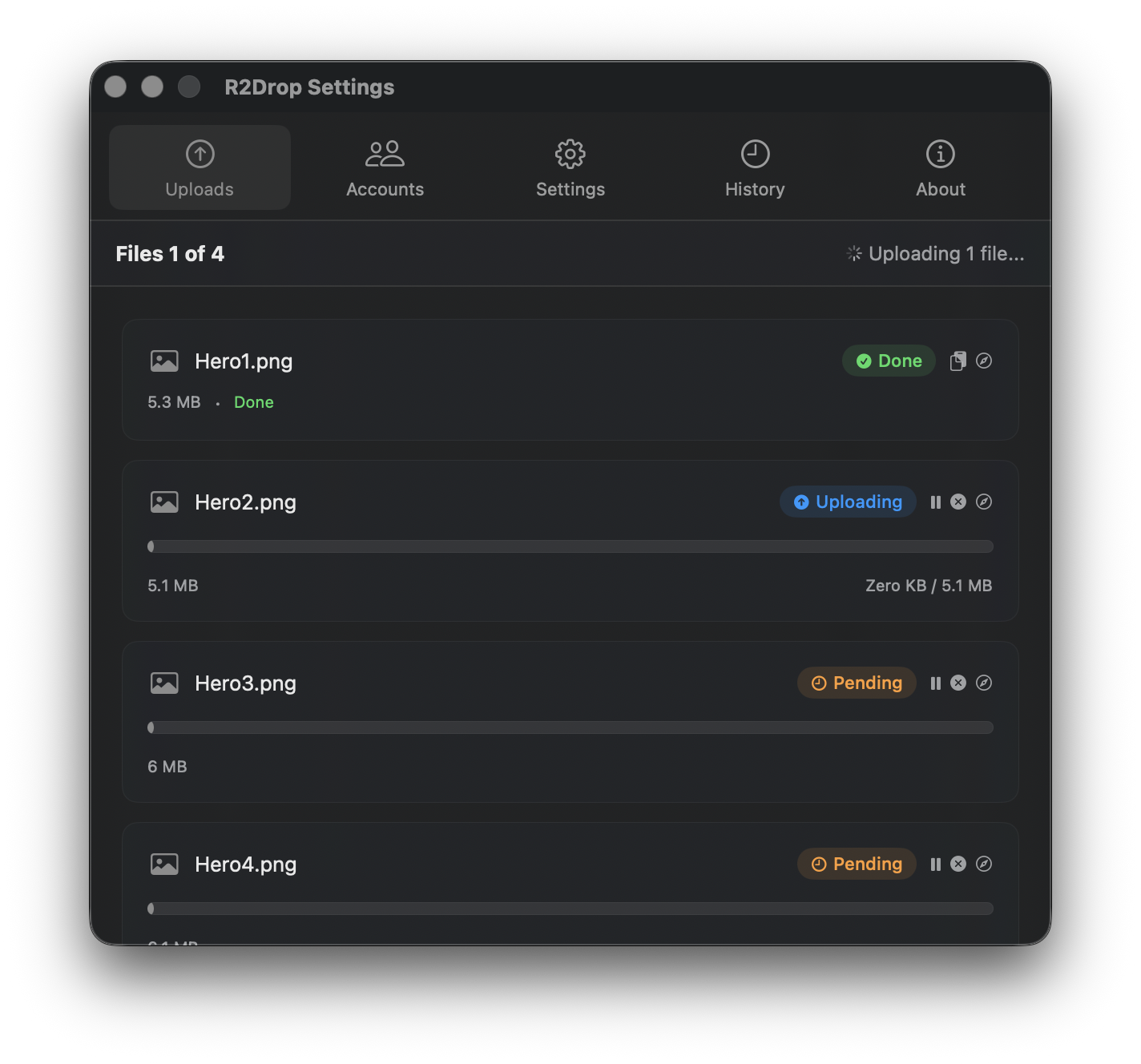
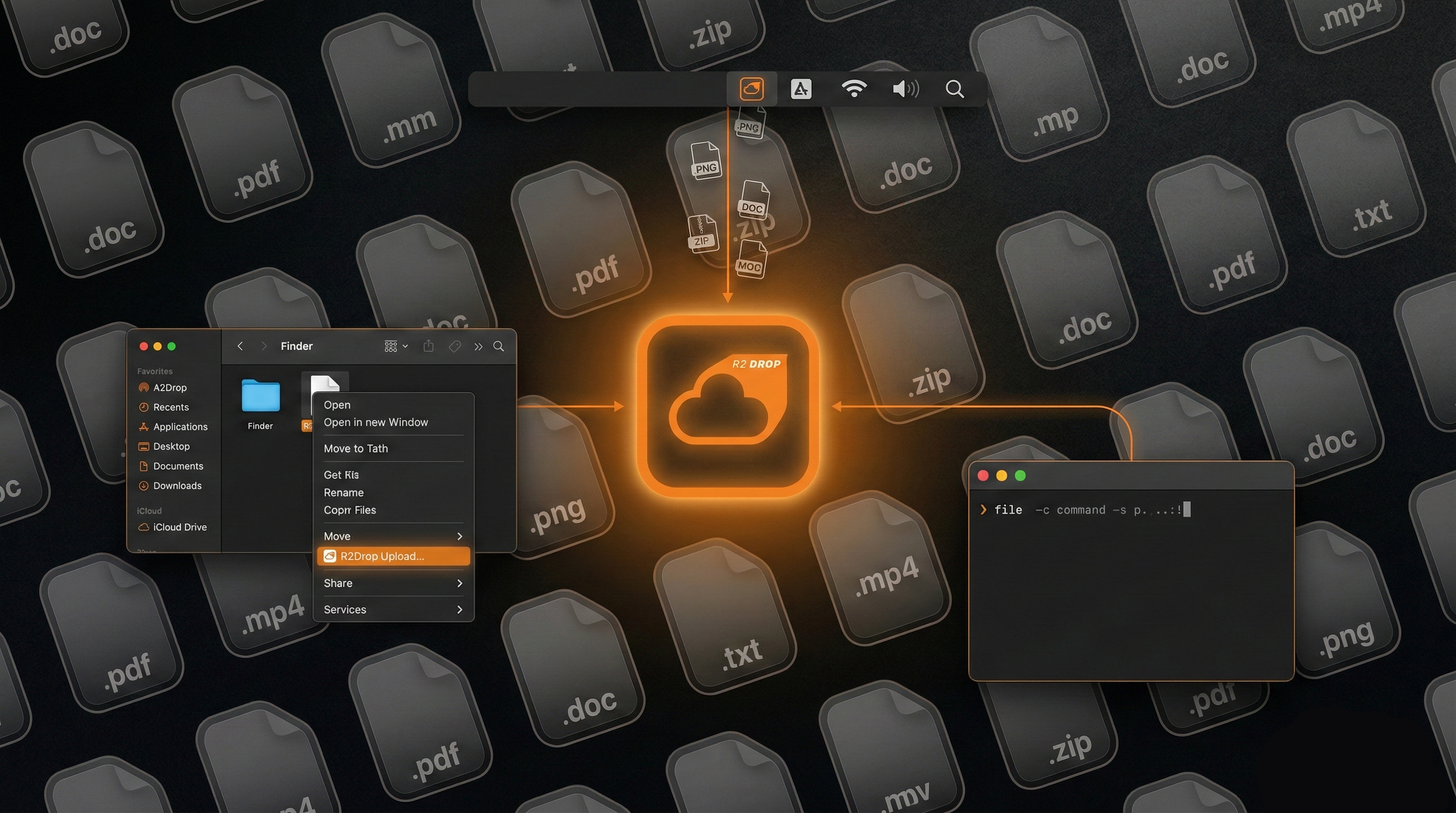
R2Drop is a native macOS menu bar application built specifically for R2 uploads. You right-click any file or folder in Finder, select "Send to R2", and the upload runs in the background. When it finishes, the shareable URL is already in your clipboard. No browser tabs, no terminal commands.
Under the hood, R2Drop uses a Rust upload engine with multipart support and parallel transfers. Large files are split into concurrent chunks for maximum throughput. Uploads are resumable — if your connection drops, R2Drop picks up from where it left off rather than starting over.
R2Drop is free, open source under the MIT license, and stores your R2 credentials exclusively in the macOS Keychain. It also ships a companion CLI for terminal and CI/CD workflows. If you're moving to R2, R2Drop removes the friction from the upload side entirely.
Conclusion
For most developer workloads that serve data to end users, Cloudflare R2 offers dramatically lower costs than AWS S3 — primarily because of zero egress fees. S3 retains its edge for deep AWS ecosystem integrations and archival storage. The S3 API compatibility between the two services means you can try R2 with minimal migration effort and switch back if it doesn't fit.