
Cloudflare R2 is one of the few major object storage services that offers a genuinely useful free tier with zero egress fees. If you've been looking for a place to store screenshots, images, build artifacts, or static assets without worrying about surprise bandwidth bills, R2's free tier is hard to beat. This guide breaks down exactly what you get, what it means in practice, and how to make the most of it.
What Does the Cloudflare R2 Free Tier Include?
As of 2026, every Cloudflare account includes the following R2 free tier allowances, renewed monthly:
- 10 GB of storage — total data stored across all buckets
- 1,000,000 Class A operations per month — writes (PutObject, CopyObject, CreateMultipartUpload, etc.)
- 10,000,000 Class B operations per month — reads (GetObject, HeadObject, ListObjects, etc.)
- $0 egress fees — unlimited data transfer out, always free, no matter how much traffic your files receive
The zero egress policy is the standout feature. AWS S3 charges $0.09/GB for data transfer out. Google Cloud Storage charges $0.12/GB. Azure Blob Storage charges $0.087/GB. Cloudflare R2 charges nothing. This alone makes R2 the best choice for publicly-served files like images, fonts, videos, and downloadable assets.
What Can You Store in 10 GB?
10 GB sounds modest on paper, but it goes further than you might think depending on what you're storing. Here are some real-world examples:
Screenshots and Images
A typical high-resolution macOS screenshot (Retina display, PNG format) is about 1–3 MB. At an average of 1 MB per screenshot, 10 GB = roughly 10,000 screenshots. If you compress them or use JPEG/WebP, you can store significantly more. For a developer who takes a few screenshots a day for documentation, bug reports, or sharing, this is years of storage for free.
Blog Images and Web Assets
Optimized web images (JPEG/WebP at 80% quality, resized for web) typically run 50–200 KB each. At 100 KB average, 10 GB = approximately 100,000 web images. That's enough for a large blog, documentation site, or portfolio without paying a cent for storage or bandwidth.
Build Artifacts and Binaries
A typical compiled macOS .app bundle might be 20–50 MB. A .dmg installer is usually 30–80 MB. With 10 GB, you could store roughly 150–300 versions of a macOS app binary. For an open source project that publishes releases, R2's free tier covers your distribution needs easily.
Video Files
This is where 10 GB gets tight. A 1080p screen recording at moderate quality runs about 100–200 MB per minute. That means 10 GB holds roughly 50–100 minutes of screen recordings. For short demo videos and GIFs, it works. For a video-heavy workflow, you'll outgrow the free tier.
Documents and Text Files
PDF documents, JSON configs, CSV exports, and log files are typically small (10 KB – 5 MB). At this scale, 10 GB is essentially unlimited. You could store millions of text files or tens of thousands of PDFs without approaching the cap.
Understanding Class A and Class B Operations
Operations are the other dimension of R2 pricing, and the free tier is generous here too.
Class A Operations (1 million/month free)
Class A operations are writes. Every time you upload a file, that's a Class A operation. Multipart uploads count each part as a separate operation — so a large file split into 10 parts counts as 10 Class A operations plus the CreateMultipartUpload and CompleteMultipartUpload calls.
For most individual users and small teams, 1 million writes per month is more than enough. Uploading 100 files per day for 30 days is only 3,000 operations. You'd have to be running a high-volume automated pipeline to exceed this limit.
Class B Operations (10 million/month free)
Class B operations are reads. Every time someone downloads or views a file from your R2 bucket, that's a Class B operation. ListObjects calls also count as Class B.
10 million reads per month means your files can be accessed approximately 330,000 times per day before you exceed the free tier. For context, that's enough to serve images on a blog that gets 50,000+ unique visitors per day (assuming ~6 images per page view).
What Happens When You Exceed the Free Tier?
If you go over the free tier limits, R2's paid pricing kicks in — and it's still cheap:
- Storage: $0.015/GB per month (that's $1.50 for 100 GB)
- Class A operations: $4.50 per million
- Class B operations: $0.36 per million
- Egress: Still $0. Always.
There are no surprise bills or hidden fees. Cloudflare doesn't charge for egress regardless of volume. This makes R2 dramatically cheaper than S3 for any use case that involves serving files publicly. For a detailed cost comparison, see our Cloudflare R2 vs AWS S3 cost breakdown.
How to Start Using the R2 Free Tier
Step 1: Create a Cloudflare Account
If you don't already have one, sign up at dash.cloudflare.com. R2 is available on the free plan — you don't need to add a domain or pay for any Cloudflare service to use R2. However, you do need to add a credit card to enable R2 (Cloudflare requires this even for the free tier). You won't be charged unless you exceed the free limits.
Step 2: Create an R2 Bucket
Navigate to R2 in the Cloudflare dashboard sidebar. Click "Create bucket" and give it a name. Bucket names must be globally unique, lowercase, and between 3–63 characters. Choose a location hint (automatic is fine for most users).
Step 3: Generate an API Token
Go to R2 → Manage R2 API Tokens → Create API Token. Select Object Read & Write permissions. You can scope the token to a specific bucket or all buckets. Save the Access Key ID and Secret Access Key — you'll need them for any upload tool.
Step 4: Upload Files
Now you have choices. You can upload through the Cloudflare dashboard directly, use the wrangler CLI, use rclone, or use a dedicated tool like R2Drop.
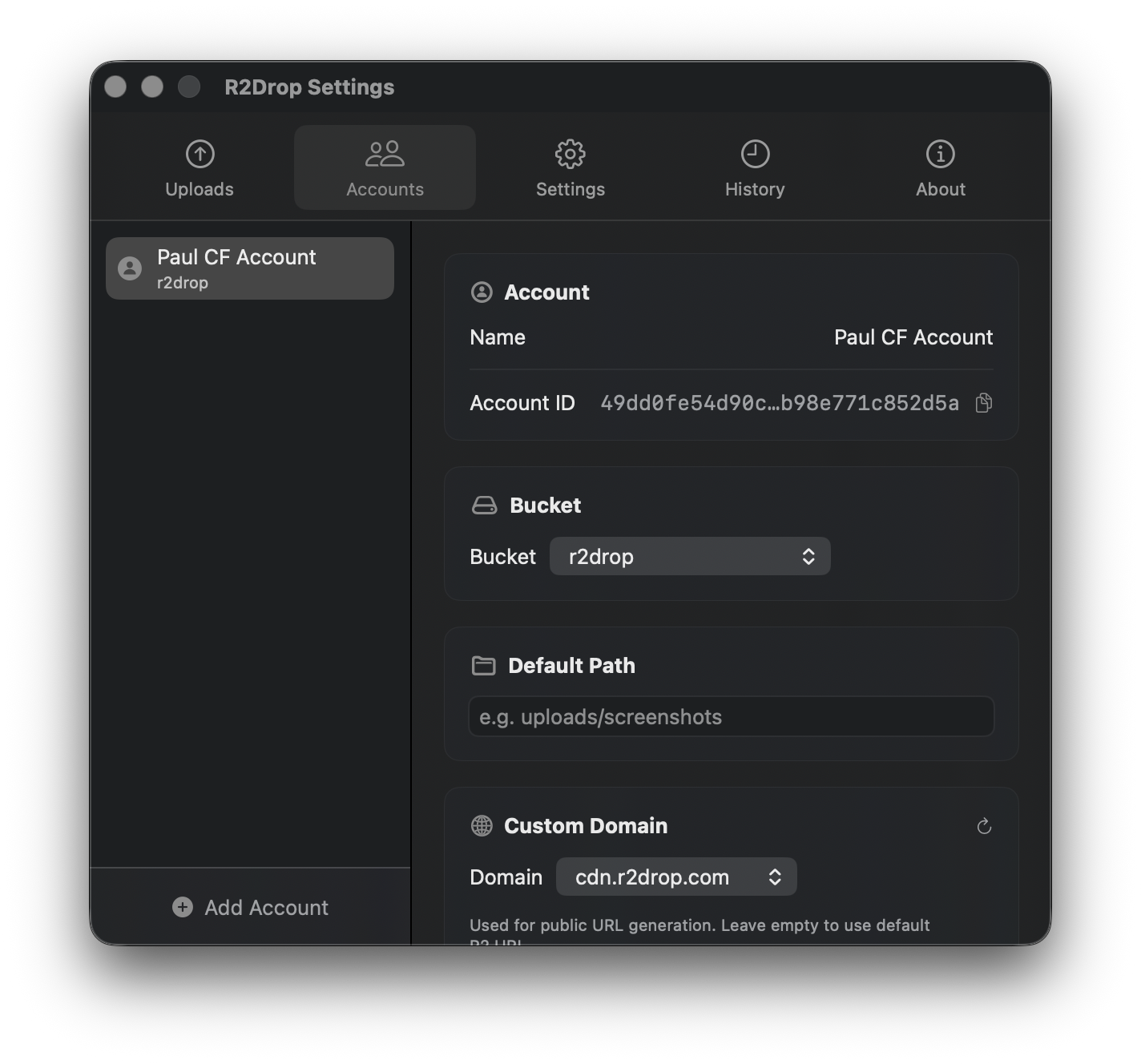
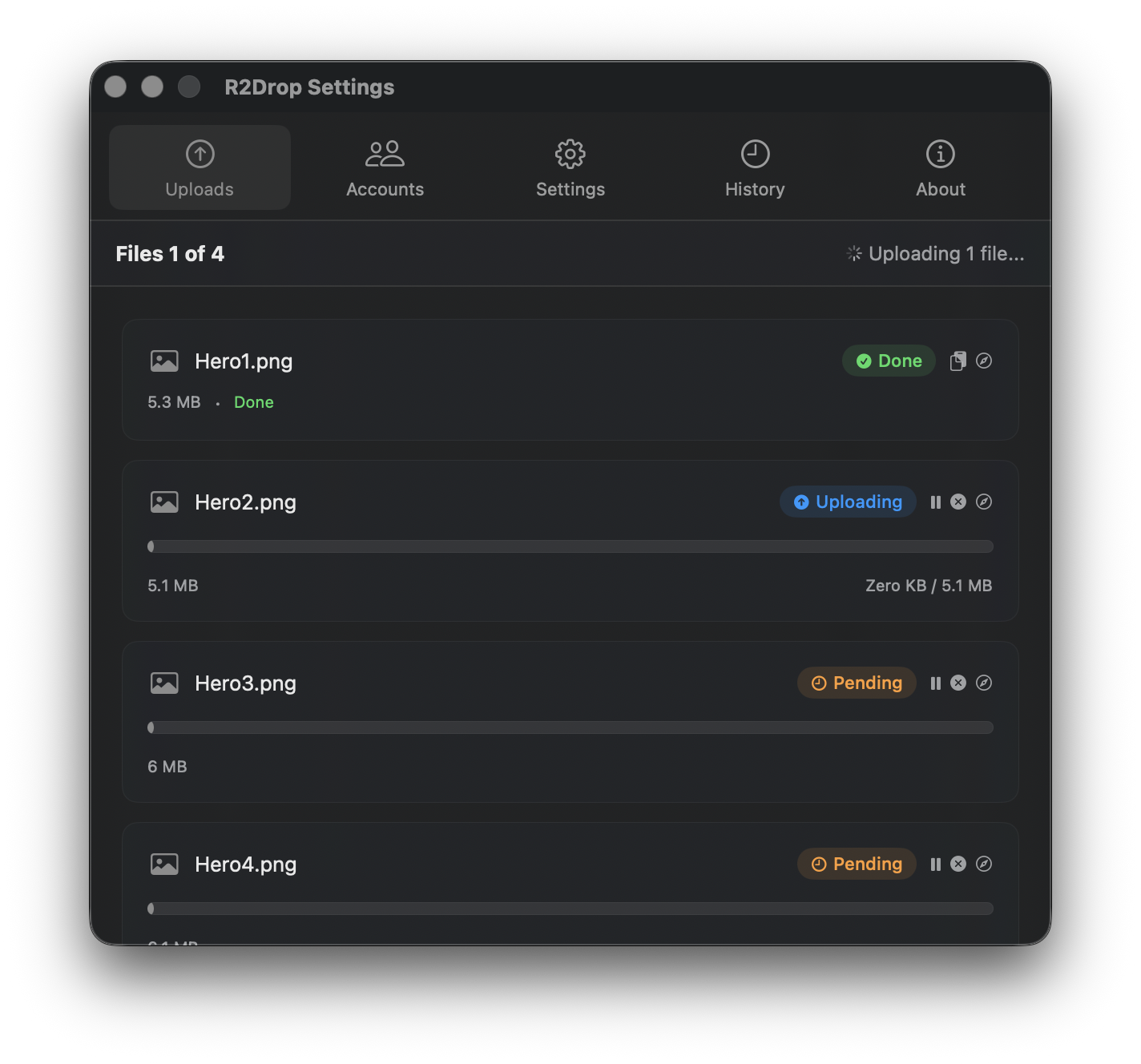
If you're on macOS, R2Drop is the fastest way to start using your free R2 storage. Install it via Homebrew or download the .dmg, paste in your API credentials, and you can right-click any file in Finder to upload it to R2 instantly. The public URL is copied to your clipboard automatically.
Tips for Maximizing the Free Tier
- Compress images before uploading. Converting PNG screenshots to WebP can reduce file sizes by 50–80%, effectively doubling or tripling your free storage capacity.
- Use path prefixes to organize files. R2Drop supports path prefixes per account, so you can automatically sort uploads into folders like
/screenshots/,/docs/, or/releases/. - Set up a custom domain. Connect your R2 bucket to a Cloudflare custom domain for clean, branded URLs (e.g.,
cdn.yourdomain.com/image.pnginstead of a long R2 URL). This is free and doesn't count as extra operations. - Monitor your usage. The Cloudflare dashboard shows current storage usage and operation counts under the R2 section. Check it monthly if you're close to the limits.
- Clean up old files. Unlike S3, R2 doesn't have built-in lifecycle rules yet for auto-deleting old objects. Periodically review and remove files you no longer need.
R2 Free Tier vs S3 Free Tier vs Other Providers
AWS S3 offers 5 GB of free storage for 12 months under the AWS Free Tier (new accounts only), with 20,000 GET and 2,000 PUT requests per month. After the first year, there's no free tier. Google Cloud Storage offers 5 GB free in the us-east1, us-west1, and us-central1 regions, with similar time limits.
Cloudflare R2's free tier is permanent — it doesn't expire after 12 months. The storage allowance is double S3's (10 GB vs 5 GB). The operation limits are far more generous (1M writes and 10M reads vs S3's 2K writes and 20K reads). And R2 never charges for egress, while S3 charges $0.09/GB after the first 100 GB/month of free tier data transfer (which is only available for 12 months).
For developers who want a permanent, no-surprise-bill storage solution for public files, R2's free tier is the clear winner.
Getting Started
The R2 free tier is generous enough for most individual developers and small projects. Combined with a tool like R2Drop that makes uploading effortless, there's very little reason not to start using it for your screenshots, images, documentation assets, and build artifacts today.